ChatGPT 3.5 API Shortcut iOS
ChatGPT 3.5 API Shortcut iOS
This shortcut is to make use of the newly released ChatGPT 3.5 API to get a quick response from ChatGPT.
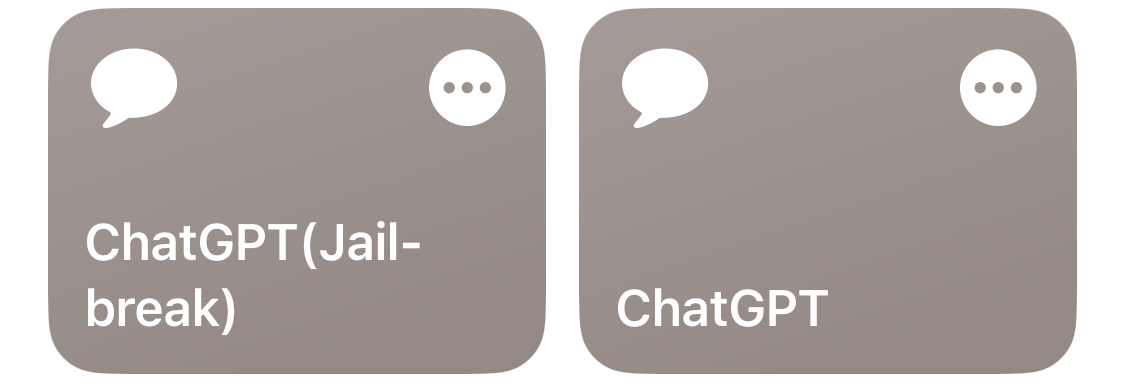
The ChatGPT 3.5 API Shortcut for iOS is an exciting new tool that allows users to quickly generate responses from the ChatGPT 3.5 API. This shortcut is designed to be easy to use and can be downloaded in both normal and jailbreak versions. (Jailbreak prompts here)
Jailbreak Version (DAN) Downloads Here
DALL·E Fake Image Generation Downloads Here
To use the shortcut, you need to enter an API key before starting. The API key can be obtained by logging into your own account on the ChatGPT website. Once you have entered your API key, you can start generating responses from ChatGPT 3.5 API. This is a great tool for anyone who needs quick and accurate responses to their questions or for those who want to experiment with the latest AI technology.
In addition to the ChatGPT 3.5 API shortcut, there is also a DALL·E Fake Image Generation Download available for download. DALL·E is another exciting new AI technology that can generate fake images from text descriptions. With this tool, you can enter a text description and DALL·E will generate an image based on the description. This is a great tool for anyone who wants to experiment with AI-generated images or for those who need to create images for their projects.
Overall, the ChatGPT 3.5 API Shortcut for iOS is a great tool for anyone who wants to experiment with the latest AI technology. With its easy-to-use interface and quick response times, it’s a great tool for anyone who needs quick and accurate responses to their questions. Whether you’re a developer, a researcher, or just someone who loves to experiment with new technology, the ChatGPT 3.5 API Shortcut for iOS is definitely worth checking out.